Adjusting the configuration
In the settings you manage all the system-wide parameters – from user rights through number ranges to the mail and template configuration. The settings apply to Kundenkartei Web and are also adopted by Kundenkartei Go (mobile).
1️⃣ General system settings
- Company logo and master data
- Default language, currency, time zone
- Sender details for mail dispatch
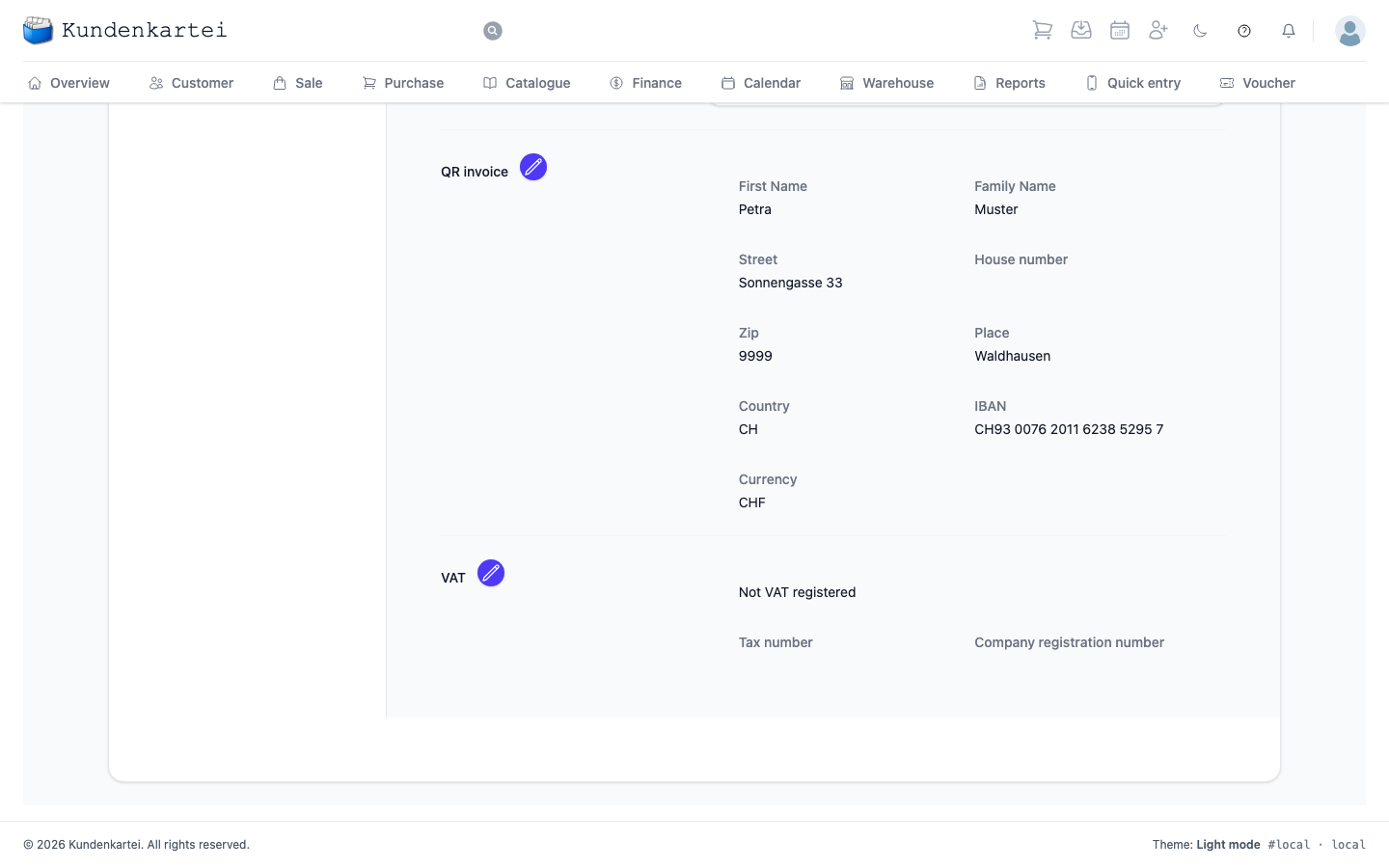
Figure: your own profile and the system master data
Tip: use a high-resolution logo (light/dark) so that documents and e‑mails are displayed cleanly.
2️⃣ User management and rights
- Create, deactivate or reset users
- Assign roles and module access (fine-grained rights)
- An overview of active users including the login history
🔐 Security: enable two-factor authentication (2FA) for admins and sensitive roles. Use strong password policies and check access regularly.
3️⃣ Accounting and number ranges
- Definition and maintenance of:
- Invoice numbers
- Customer numbers
- Journal ranges
- Adjust the date, time and decimal formats
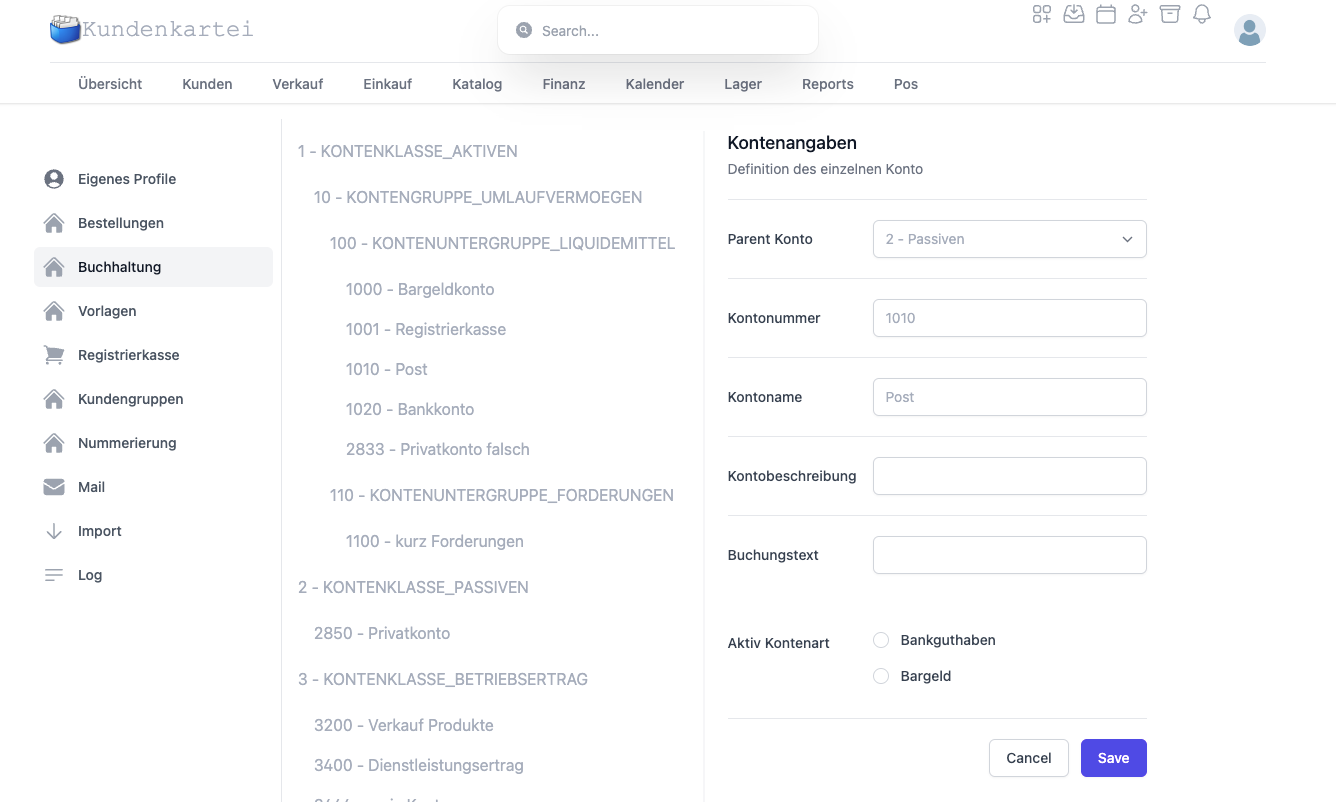
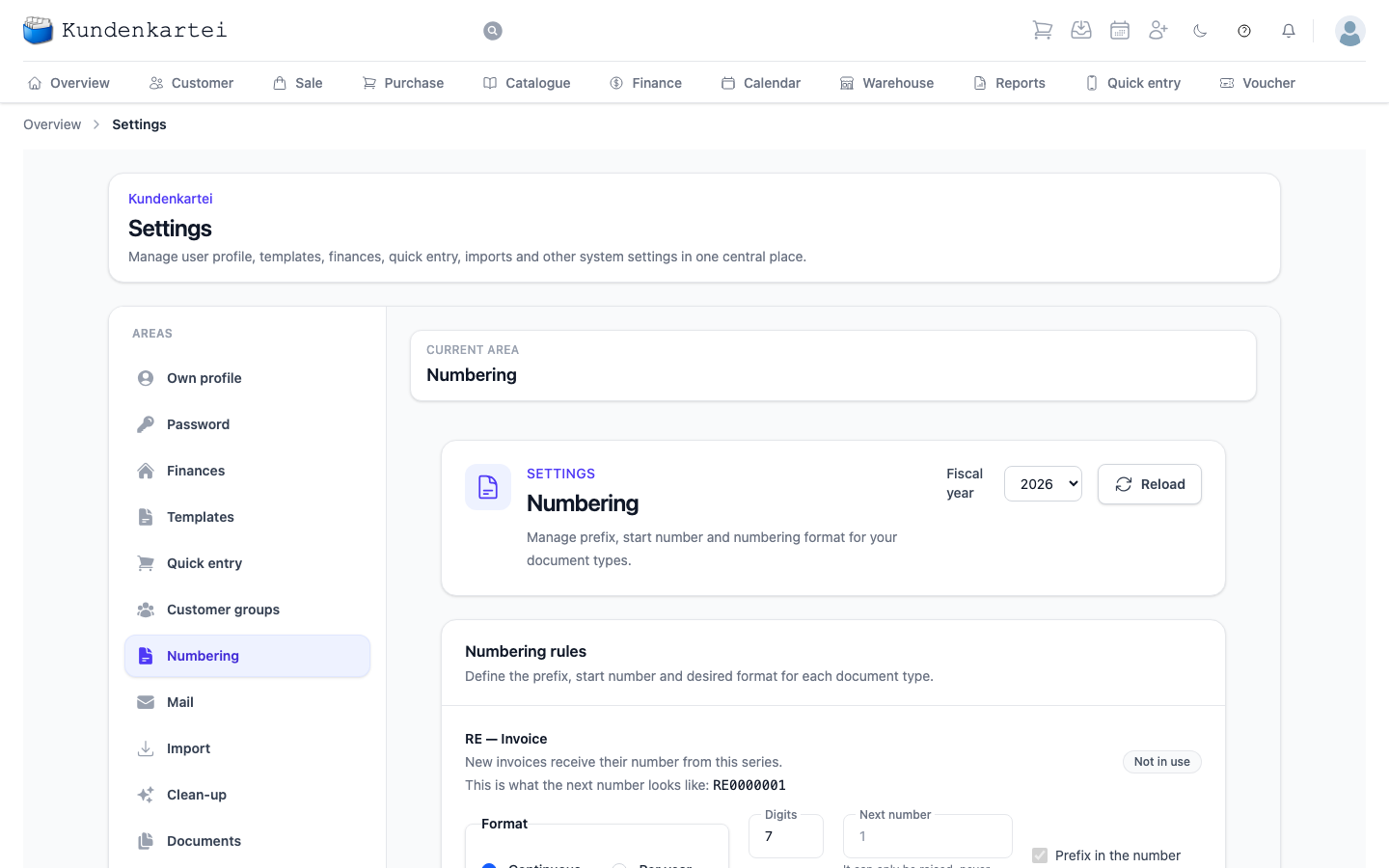
Figure: accounting and number ranges
Best practice: version the number ranges annually (e.g. INV-2025-00001) to simplify analyses and archiving.
4️⃣ Templates and mail configuration
- Manage the Word templates for invoices, delivery notes and quotes
- Editing via Microsoft Word or the in-app editor
- Configure SMTP/e‑mail dispatch (sender, reply address, signature)
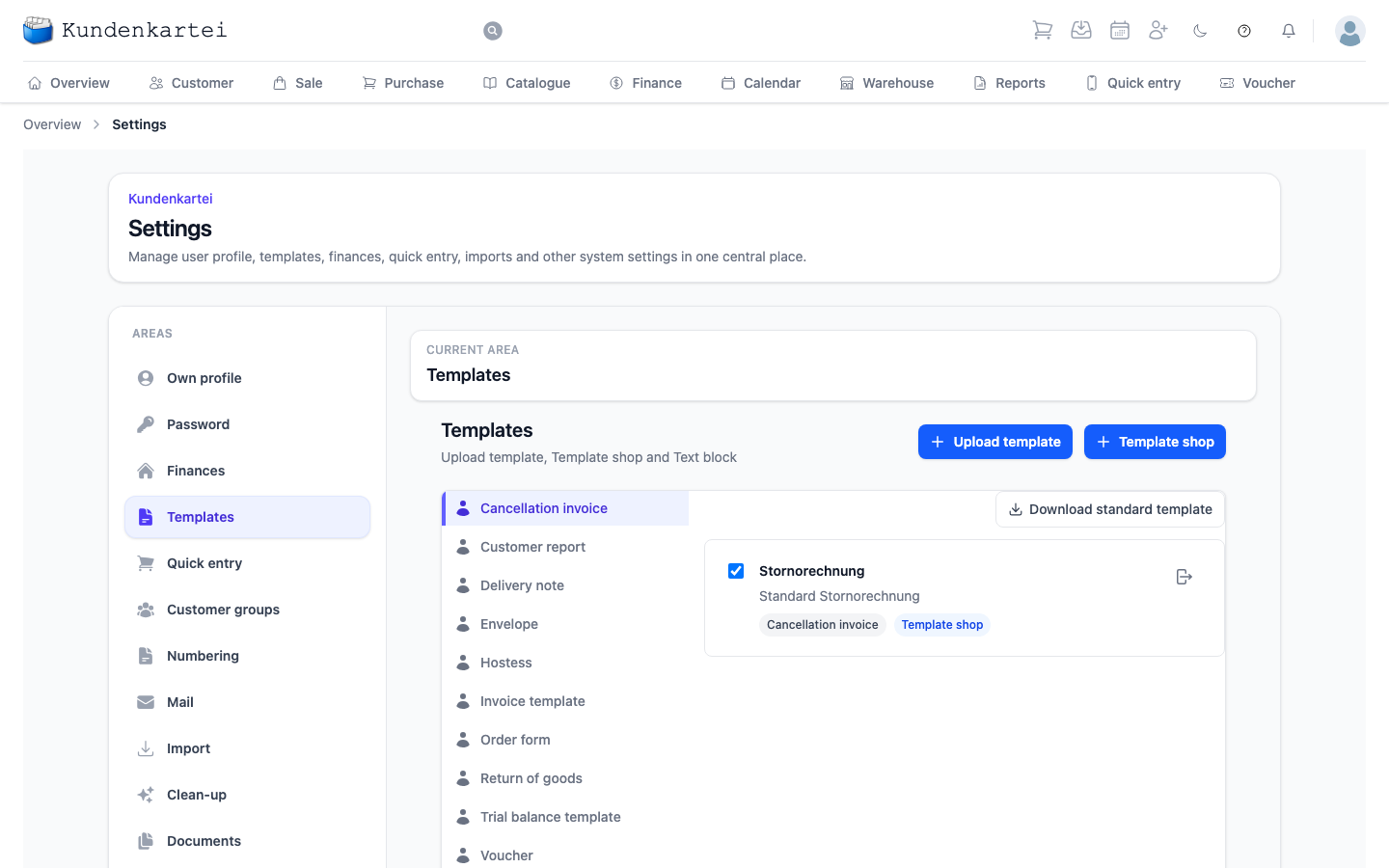
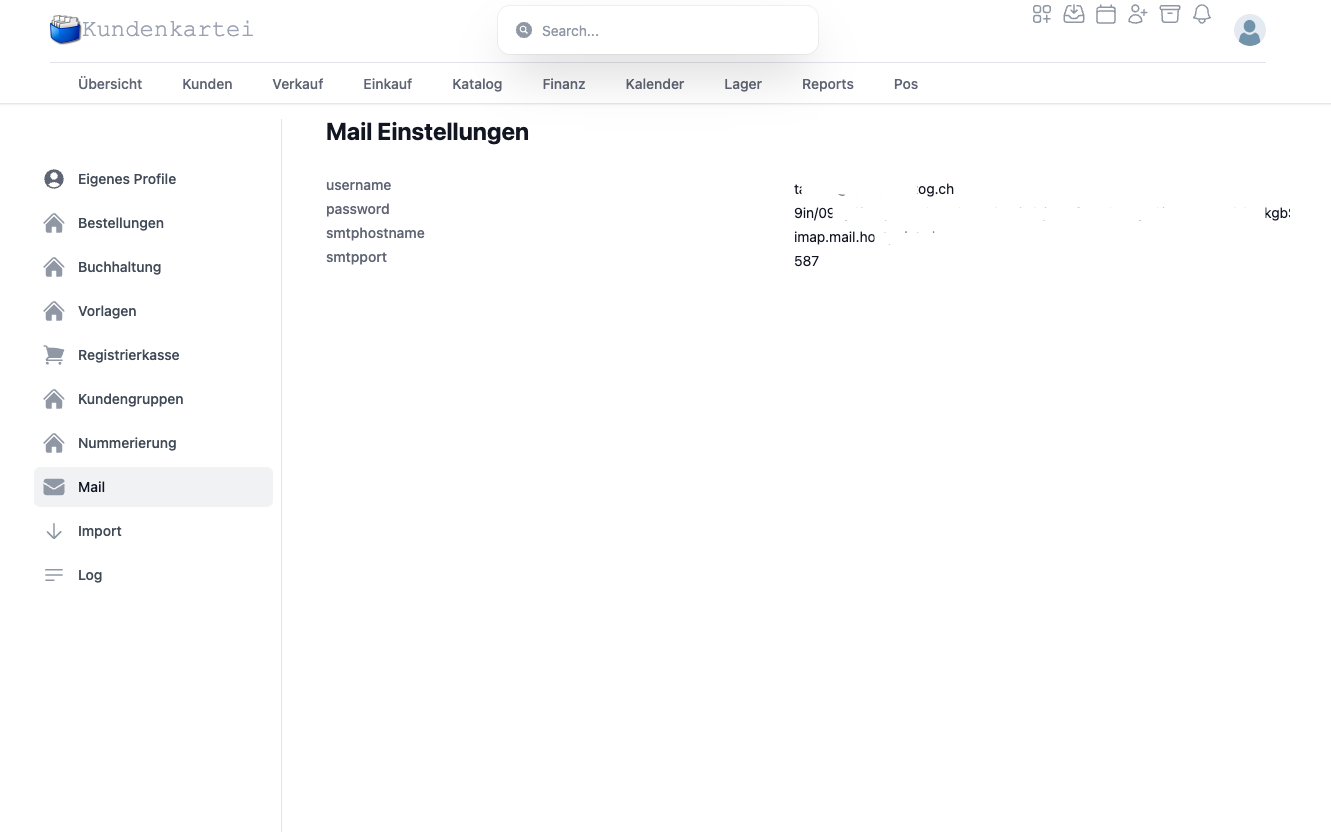
Figure: the template editor and mail dispatch
Note: test mail dispatch with an internal address (check spam/DMARC/DKIM) before you send productively.
5️⃣ Setting up quick entry
- Create and name key groups
- Put articles on keys, determine colour and order
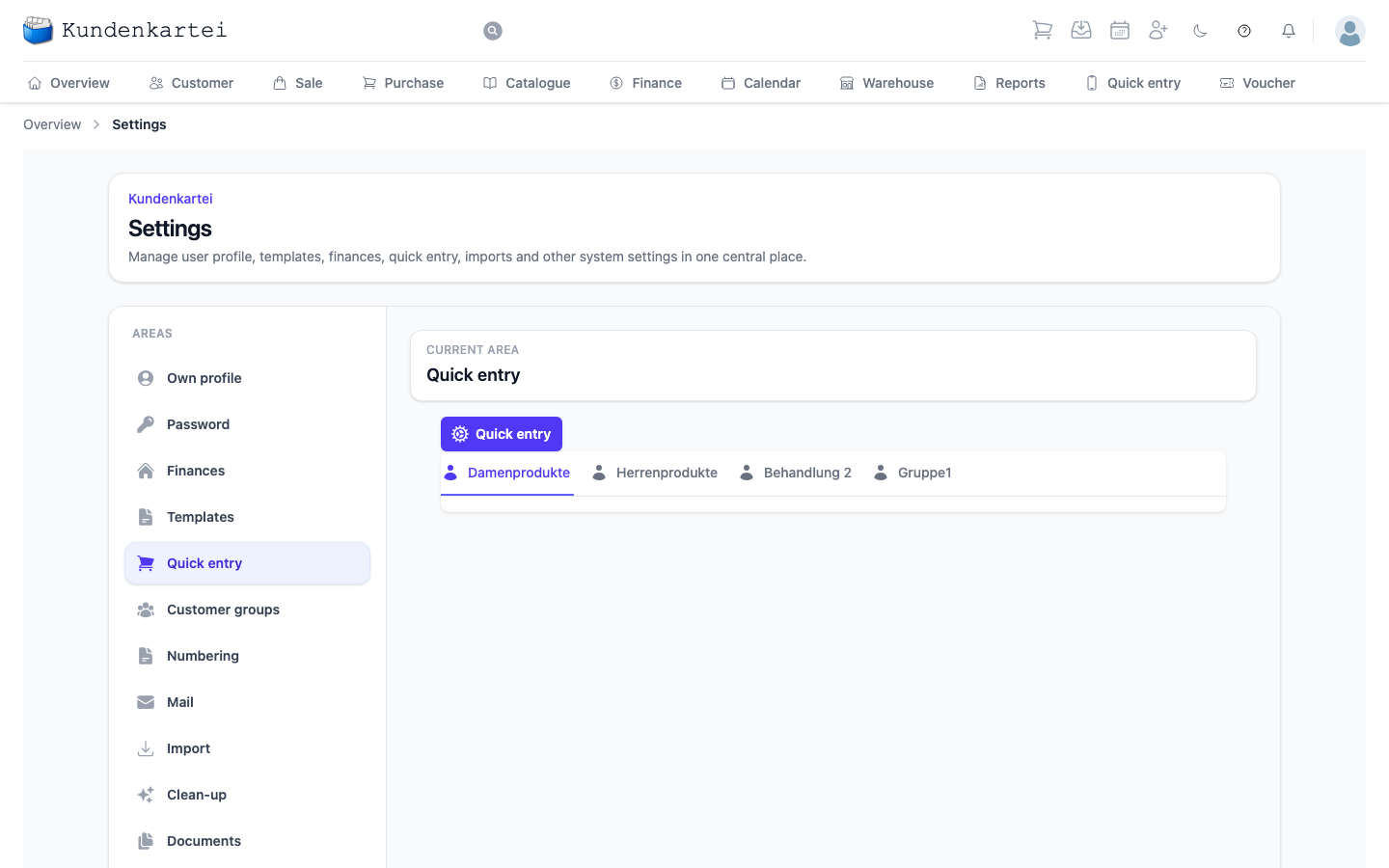
Figure: the quick entry settings
Tip: group by what you reach for day to day — not by how the catalogue is sorted.
6️⃣ Customer groups and custom fields
- Management of tags, groups and segments
- Configuration of customer-specific additional fields (text, selection, date)
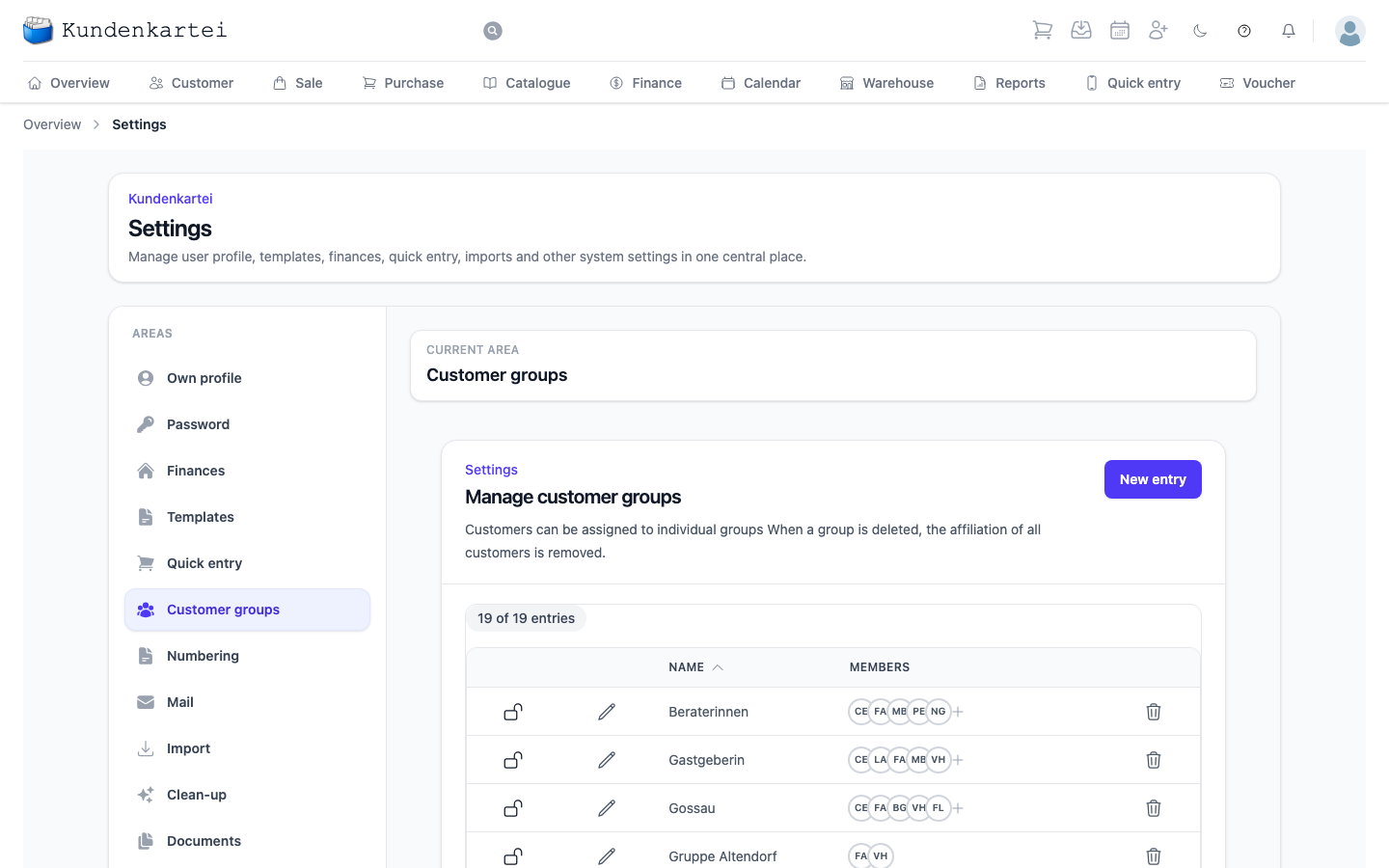
Figure: customer group management
Best practice: define few but meaningful groups/tags (e.g. “VIP”, “Seasonal”) to optimise searches and reports.
7️⃣ Data import and backup
- Import formats for customer data, orders and catalogues
- Export/restore data backups
- GDPR-compliant download of personal user data
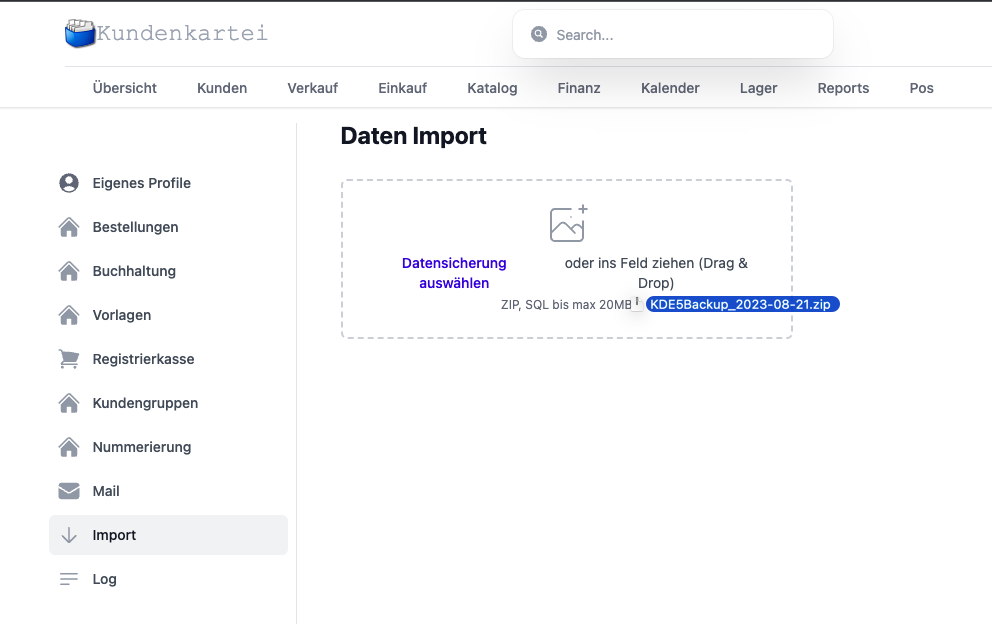
Recommendation: always use a test file with a few records before mass imports. After the import, check a sample for completeness and encoding.
8️⃣ System log and API
- View system actions (audit log)
- Manage API keys
- Access to external systems (e.g. authentication, integrations)
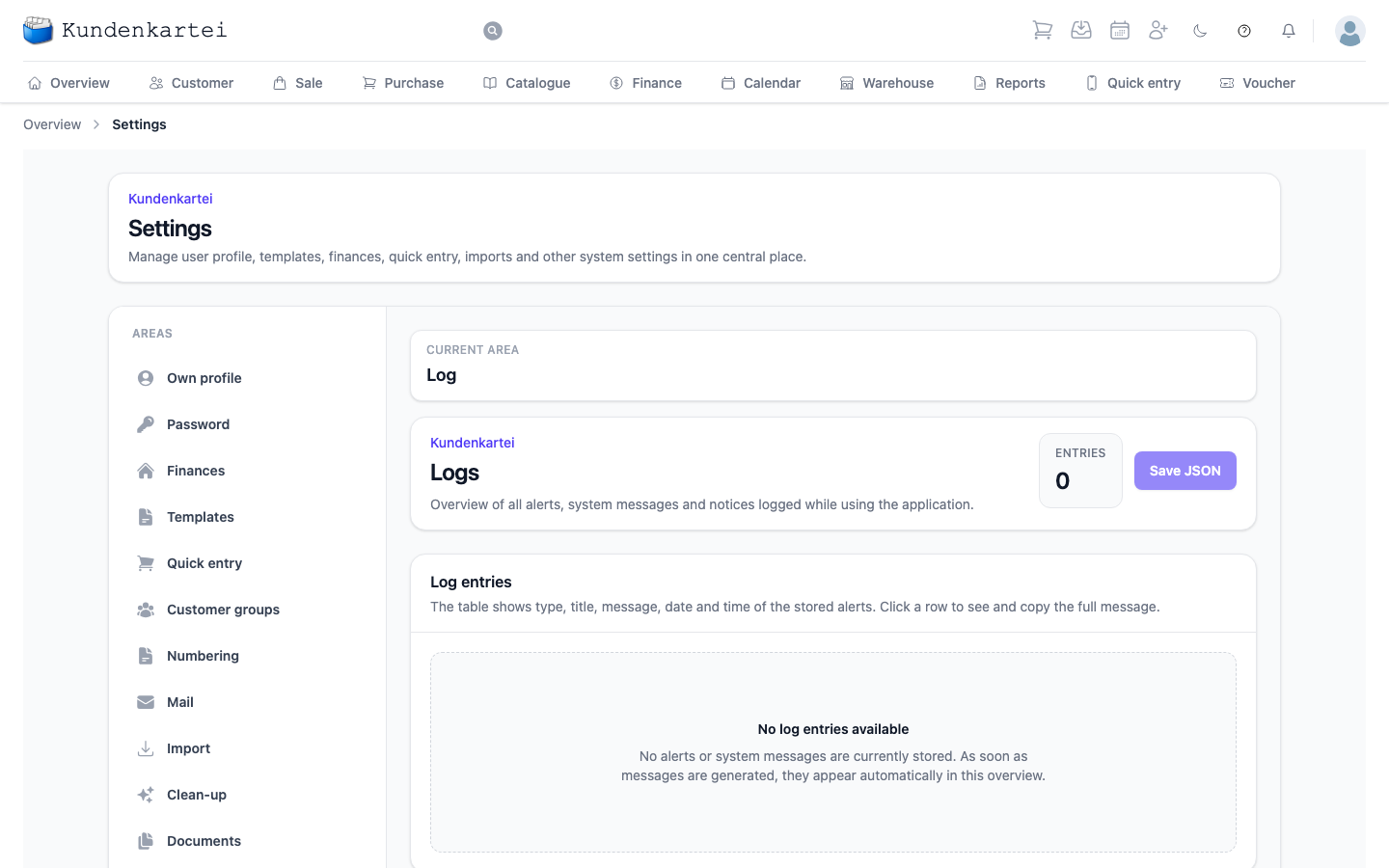
Security: only issue API keys with the minimum necessary rights and rotate them regularly. Use separate keys for each integrated system.
✅ Best practices
- Apply the principle of “as much as necessary, as little as possible” to rights
- Check and document the number ranges before the turn of the year
- Maintain templates centrally; version and test the changes
- Set up the mail configuration including the sender domain (SPF/DKIM/DMARC) cleanly
- Secure exports/backups monthly and restore a sample
❓ Frequently asked questions (FAQ)
E‑mails do not arrive – what should I do?
- Check the SMTP details, send a test mail
- Is the sender domain set up correctly (SPF/DKIM/DMARC)?
- Check the spam folder; observe your provider’s dispatch limit
The templates show the wrong logos/placeholders?
- Regenerate/update the template and check it in the editor
- Clear the cache and create a test document
A user cannot see the modules?
- Check the role/rights
- Have the user log in again if necessary (session refresh)
- Check the licence/module scope in the settings
The number range is duplicated/incorrect?
- Block the number range and create a new, cleaned-up range
- Document the changes; do not renumber productive documents retroactively
🔗 Related topics
- 👥 Managing customers
- 📚 Trial balance and number ranges
- 🧾 Configuring mail and invoice dispatch
- 🛒 Quick entry
📝 Change history
| Version | Date | Changes |
|---|---|---|
| 1.2 | 20 August 2025 | Language harmonised, security and FAQ added |
| 1.1 | 27 July 2025 | Structure and image links optimised |
| 1.0 | Original | First version |