Templates
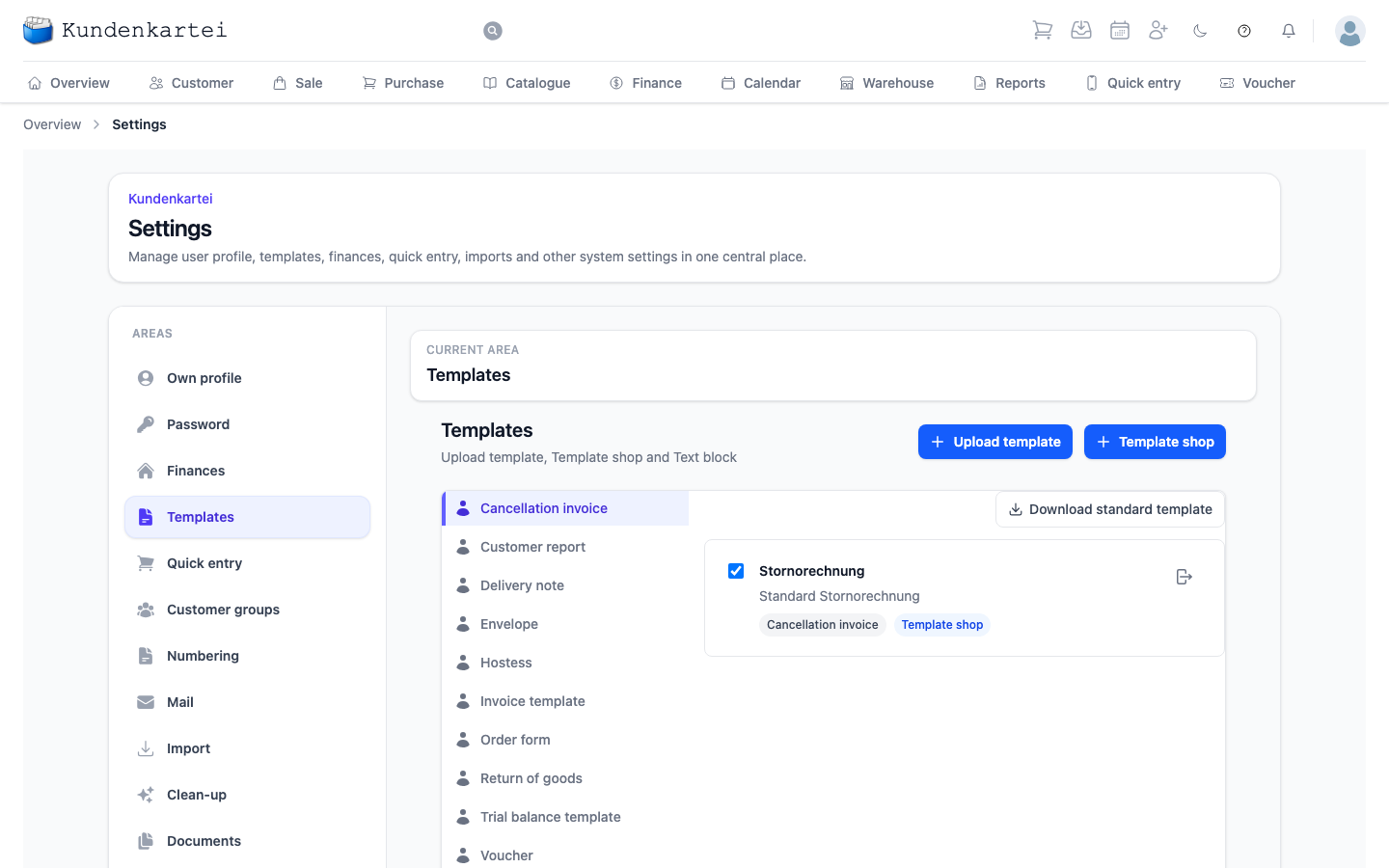
The documents your customers get to see: invoice, delivery note, voucher and more. You switch templates active or inactive, download the standard template or return to it, upload templates of your own, adopt some from the Template shop and edit the text blocks.
This area is one of sixteen under Settings. How they fit together and in which order to set them up is on the Settings page.
Templates of your own from Word
You design your own template in Word and upload it here. The Kundenkartei turns it into the PDF your customer receives. To make it look as it does in Word:
- Tab stops in a paragraph (left, right, centred) are kept, for example for "Invoice:" and the number at the right margin, or for the invoice total.
- Columns that must line up exactly are most reliable in a table without borders.
- Images such as a logo or QR code stay exactly where you put them if they are "in line with text" or in a table cell. A freely floating image is kept at its horizontal position; vertically it follows its paragraph.
After uploading, create an invoice as a PDF and check it before you switch the template to active.