Tips & Tricks 41 – the trial balance
A trial balance with the details for your accountant
Tips & Tricks 41 – the trial balance
Spring is the period in Switzerland when the tax documents have to be submitted. To show you the result, you can create the trial balance directly from Kundenkartei.
What is the trial balance?
You create the trial balance for a period, such as the past year. The report gives you:
- the expenses, income and result
- the totals according to the chart of accounts
- the trial balance
That way you are prepared for your financial disclosure.
Creating the trial balance
You create the trial balance for a calendar year from the Finance module 
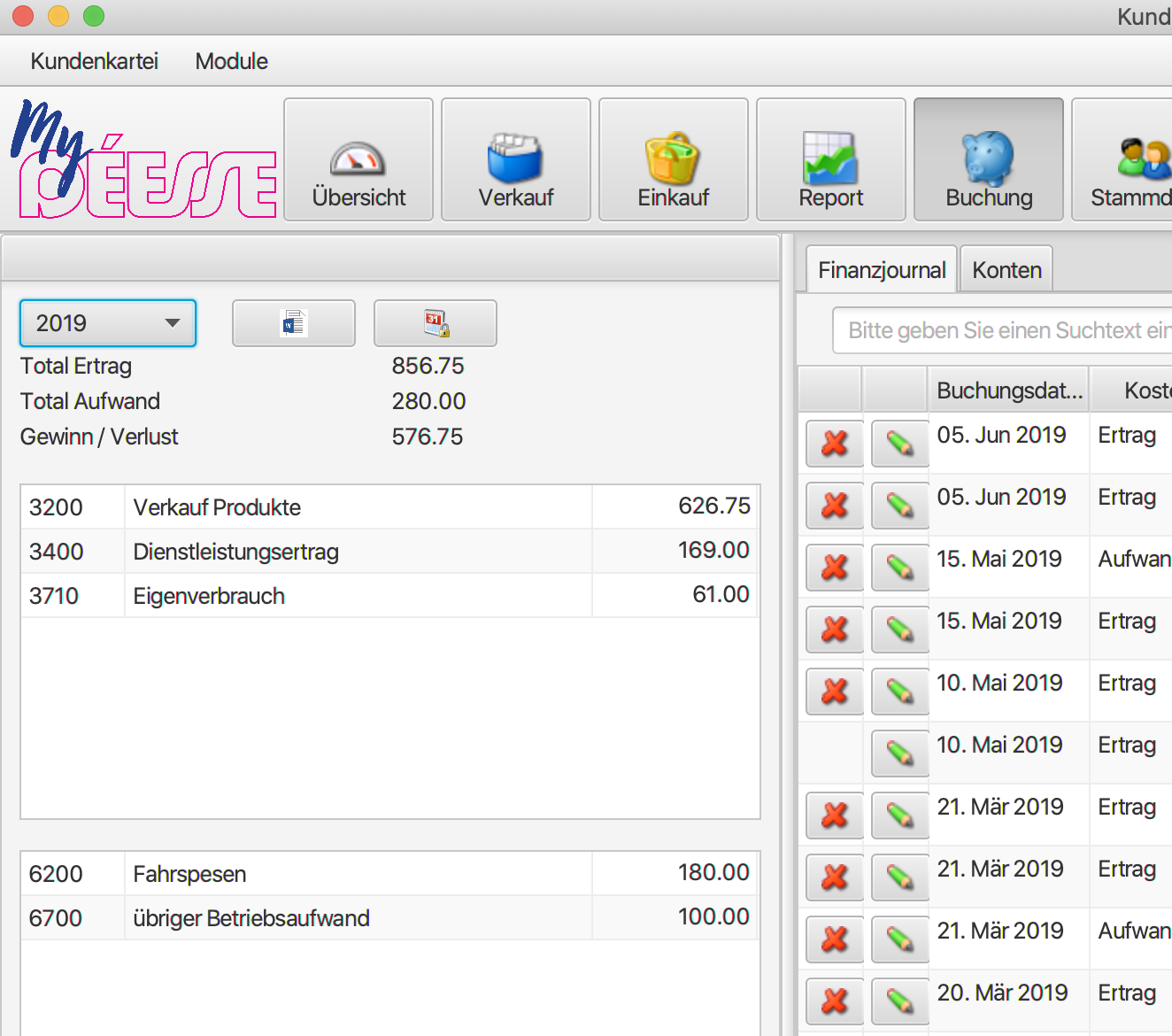
In the overview, select the year and click the Word icon
The report is then created as a Word file.
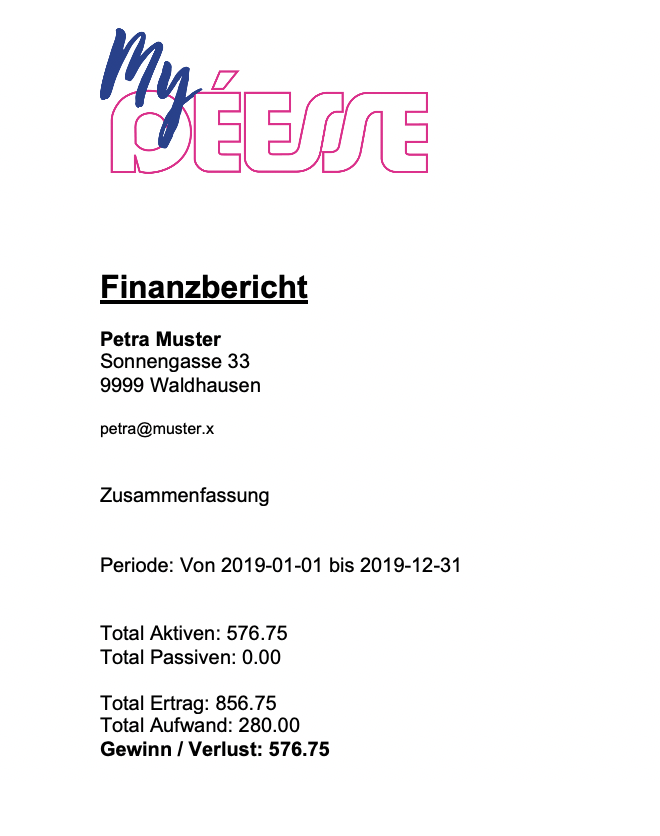
Besides the overview, the report contains the balance sheet and income statement by account, and the posting journal by date and by account.
Updating the template
Make sure you are using an up-to-date template for the trial balance.
If necessary, you can reload the latest template under Administration -> Templates -> Template exchange
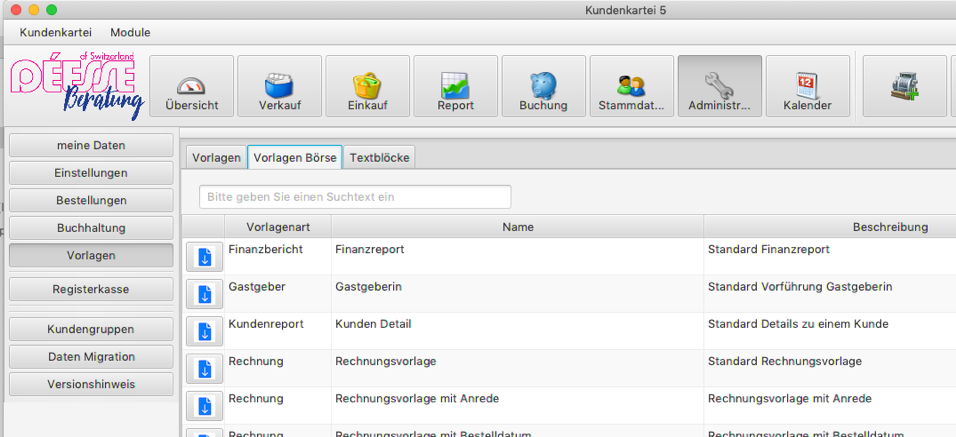
In the “Trial balance” row, click the icon in the first row and the trial balance is reloaded.
And one more thing
You can also create your trial balance under Reports -> Trial balance. 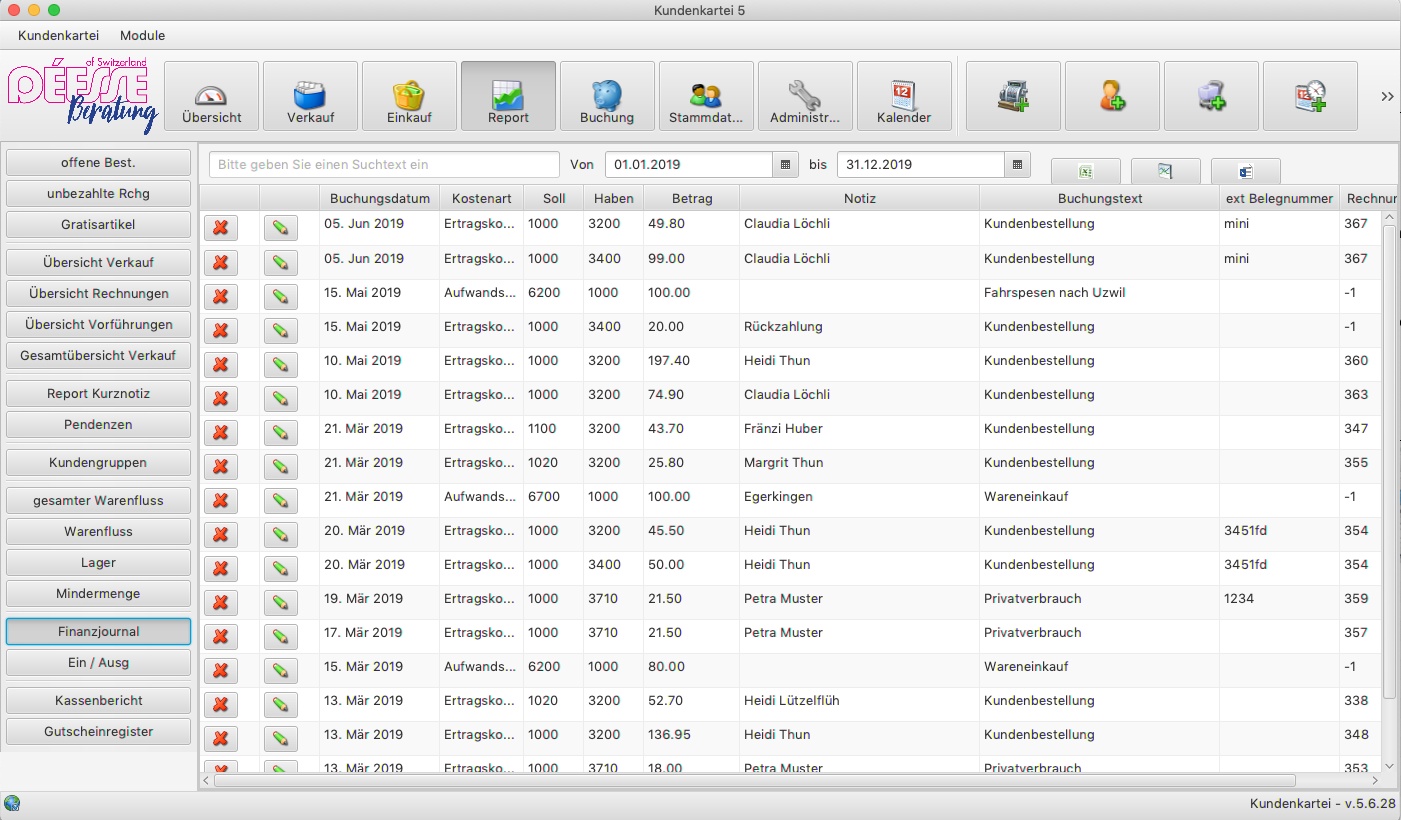 Here you can determine the period of the report. You can also export your trial balance to Excel and Word.
If you use the accounting program “banana”, you can prepare the journal directly from Kundenkartei by clicking the icon  and then import it into Banana.
In Kundenkartei Cloud
In the Cloud you find the Banana export under Finances, top right next to the trial balance — see Finances.