From the order to the payment
An order is fulfilled in several steps
Tips & Tricks – from the order to the payment
The following shows the sequence from the order through to the payment. Several steps are involved:
An order can be delivered in one or several deliveries, and can likewise be paid in one or several invoices
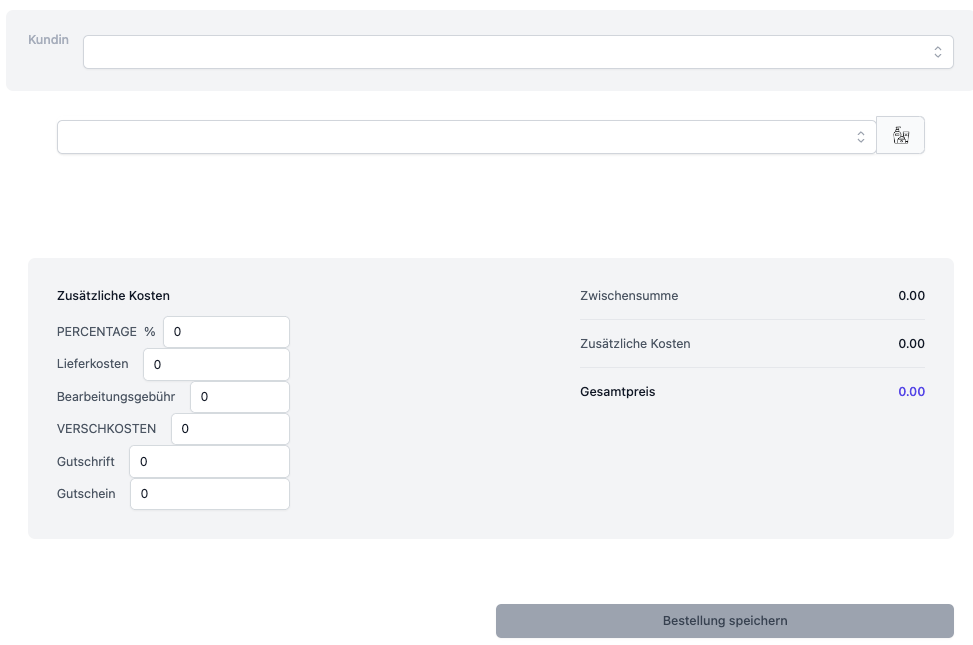
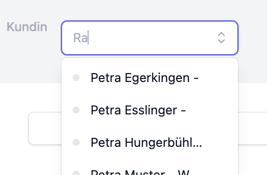
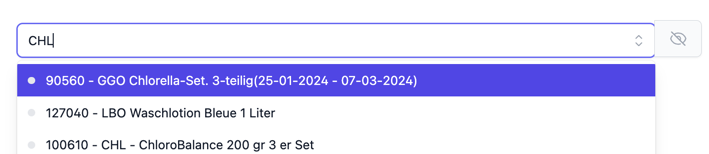
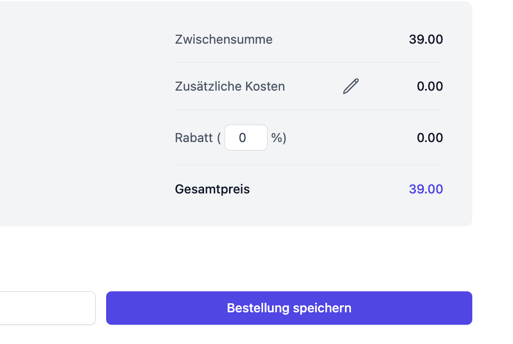
Recording the order

Creating the delivery
To create a delivery, click  Note: once all the items have been delivered, the button no longer appears.
 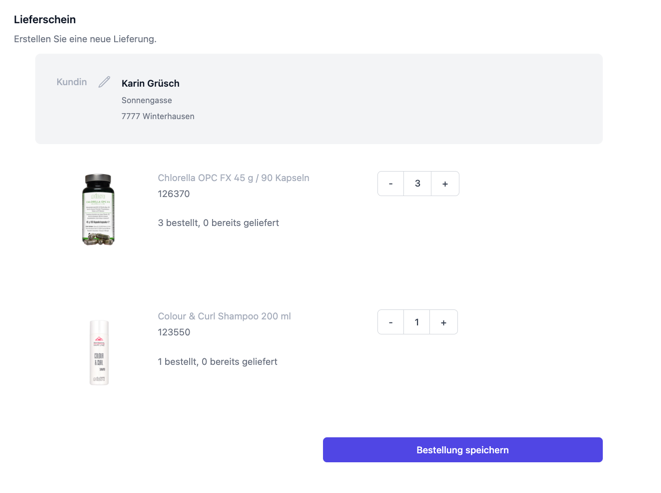 Choose the number of items that are to be sent with the delivery.
You can also choose a different delivery address. By clicking the “pencil” you can specify a different address. 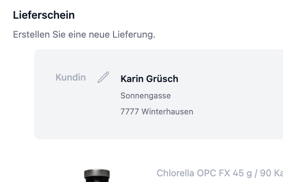
Clicking “Save” saves the delivery.
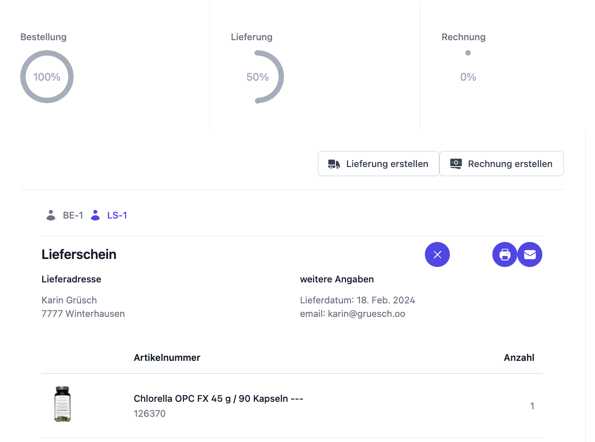
Note: identical items are combined; for example, a set and a single item with the same item number are listed as one group of the total number of items.
Creating the invoice
For an invoice, click  Note: once all the items have been invoiced, the button no longer appears.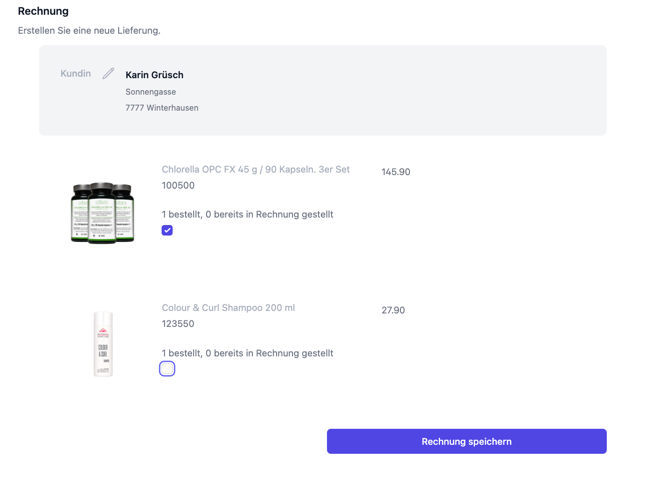
You can also choose a different invoice address. By clicking the “pencil” you can specify a different address. 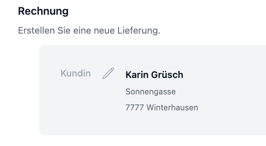
Clicking “Save” saves the invoice.
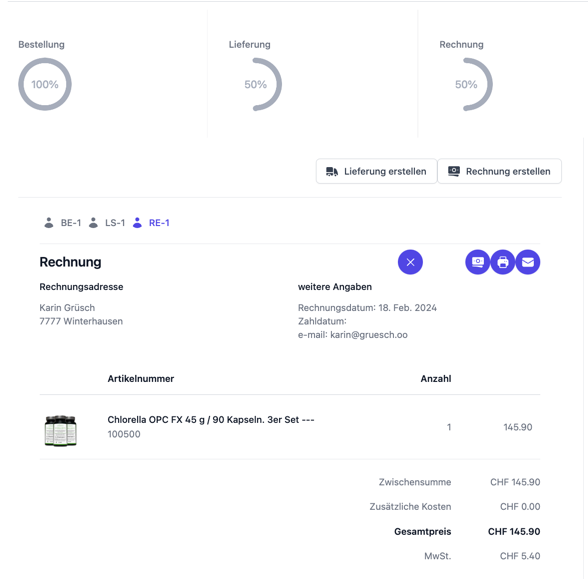
Confirming the payment
As the last step, you confirm the payment of the invoice by clicking the button

on the invoice, which changes the “wheel” next to “Payment” accordingly
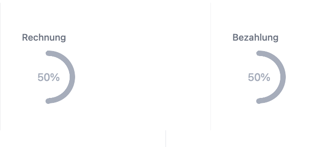
An entry then appears in the trial balance 