creating your own set
create your own set for sale
Your own set product
Your own product can also consist of several items.
Creating a set product
The easiest way is to look under Master data -> My products for the product to which you want to add set items, or to create a new product.
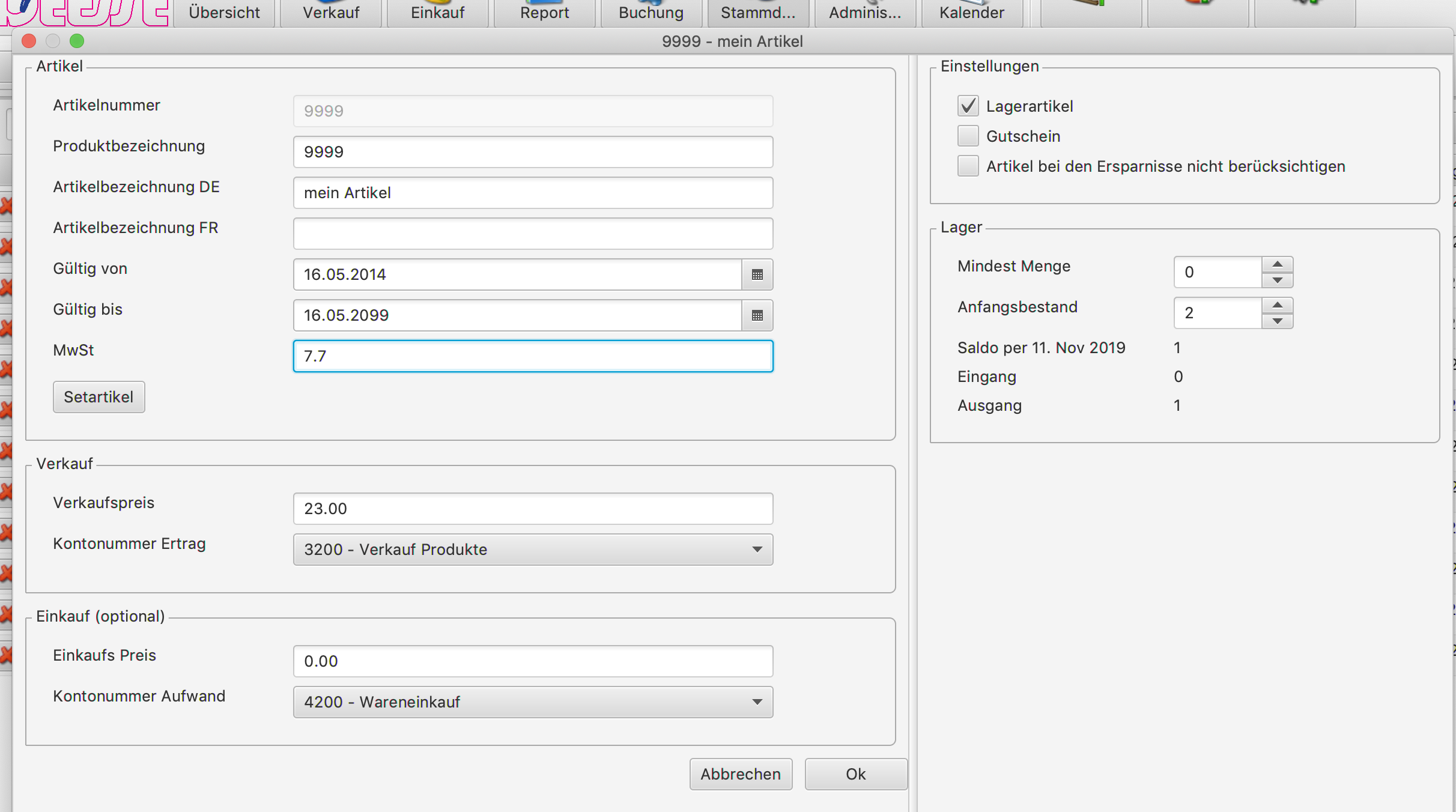
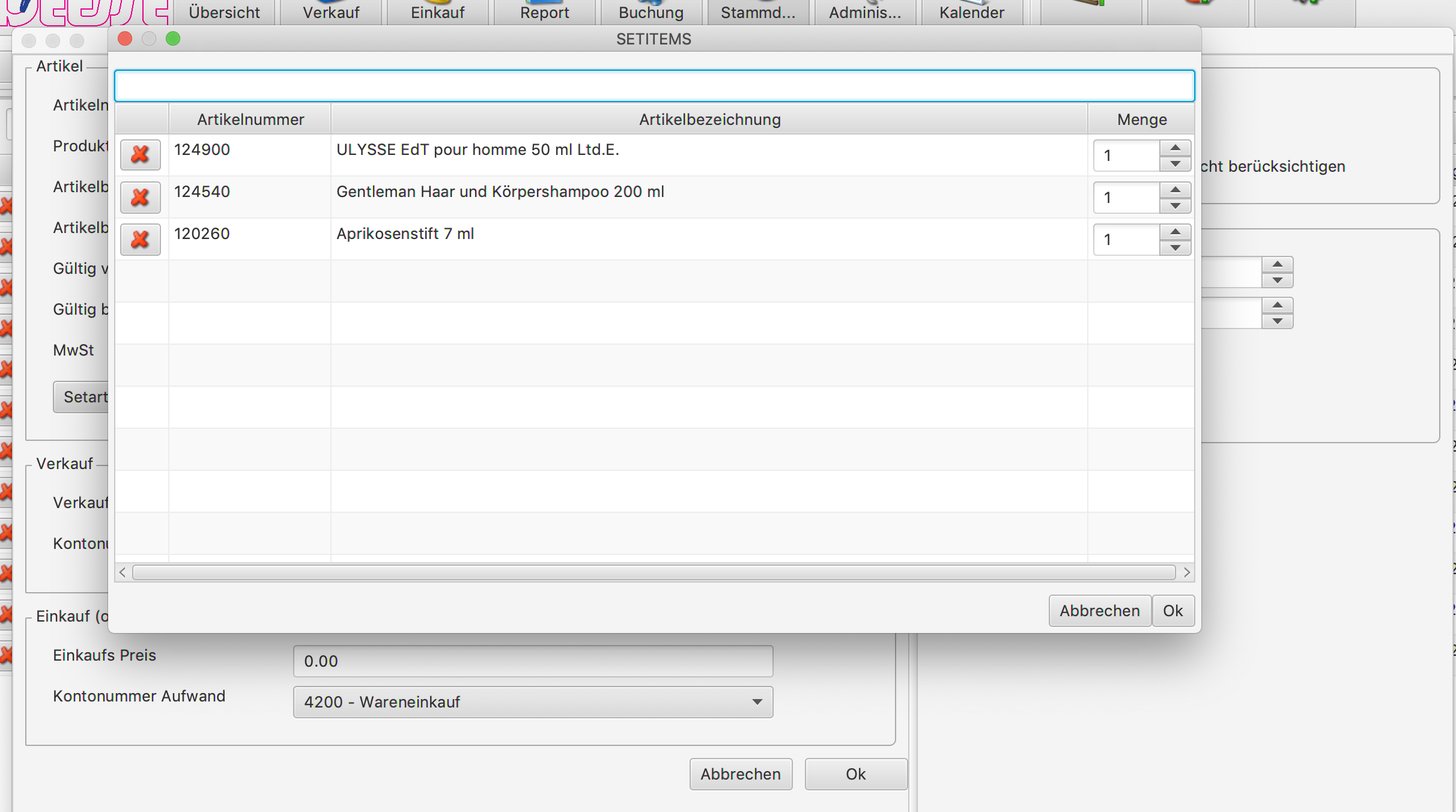
Now add the set items, choose their quantity and save it at the end
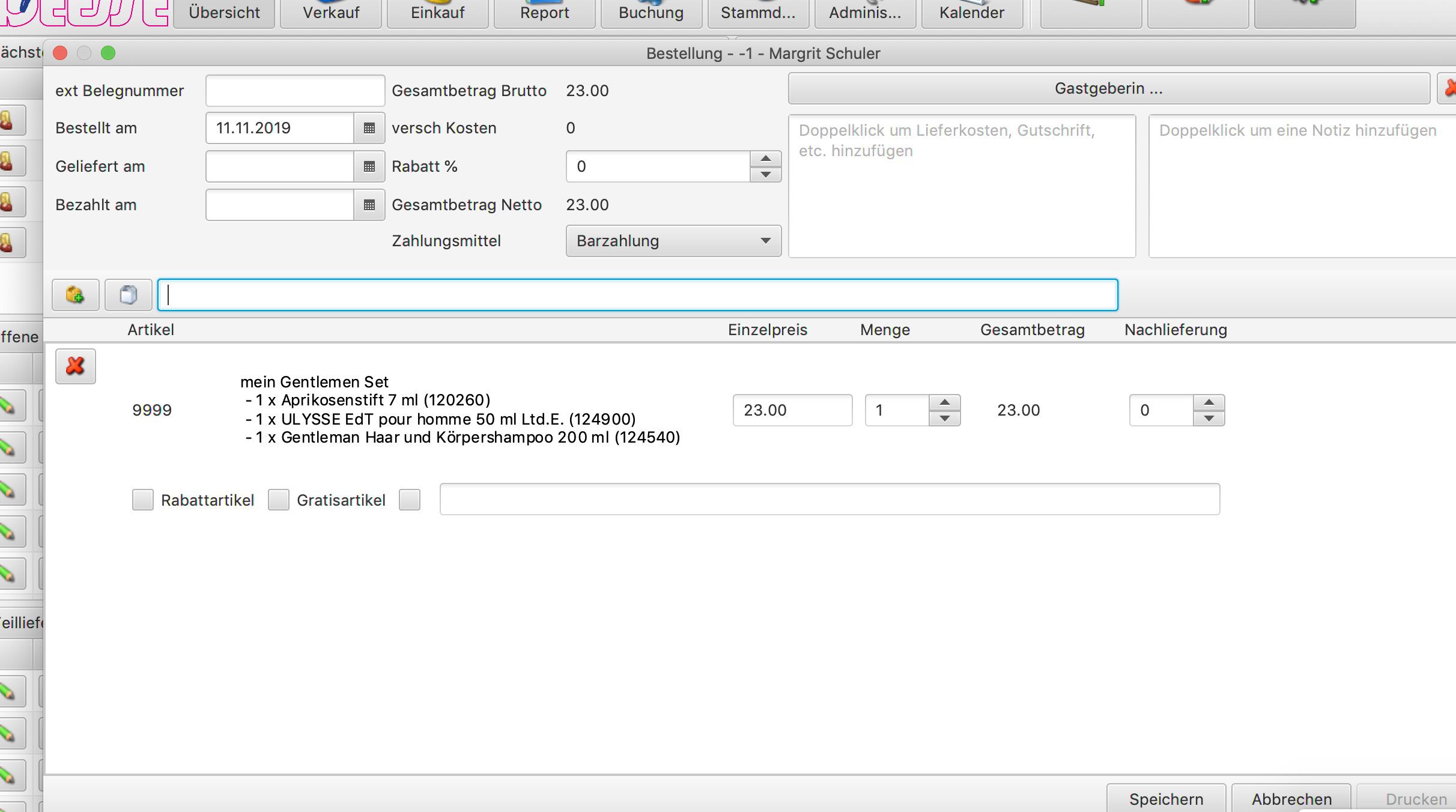
The set items are shown in the overview 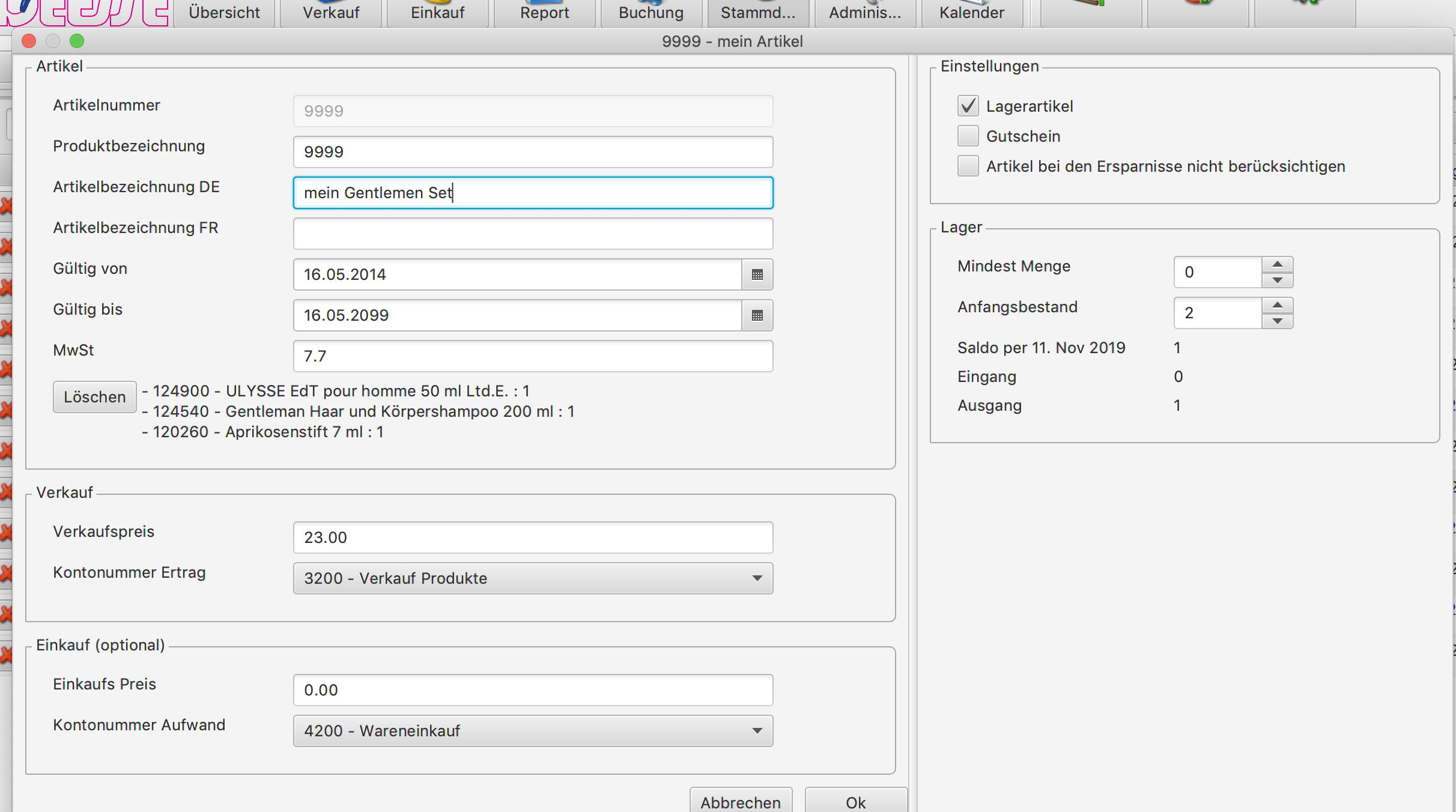
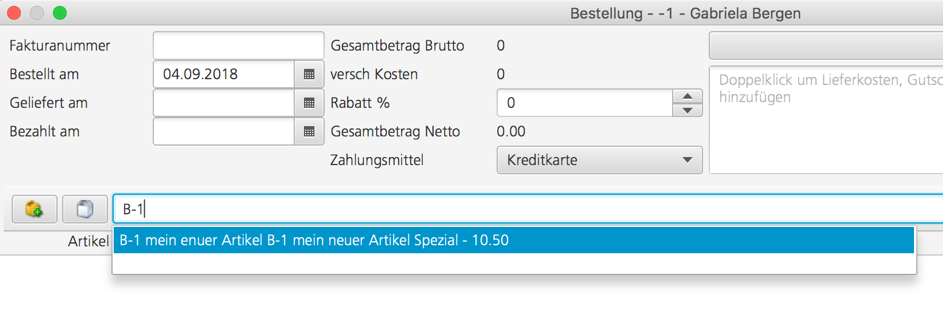
Selecting it in an order
You can now select your own set product in an order in the usual way.
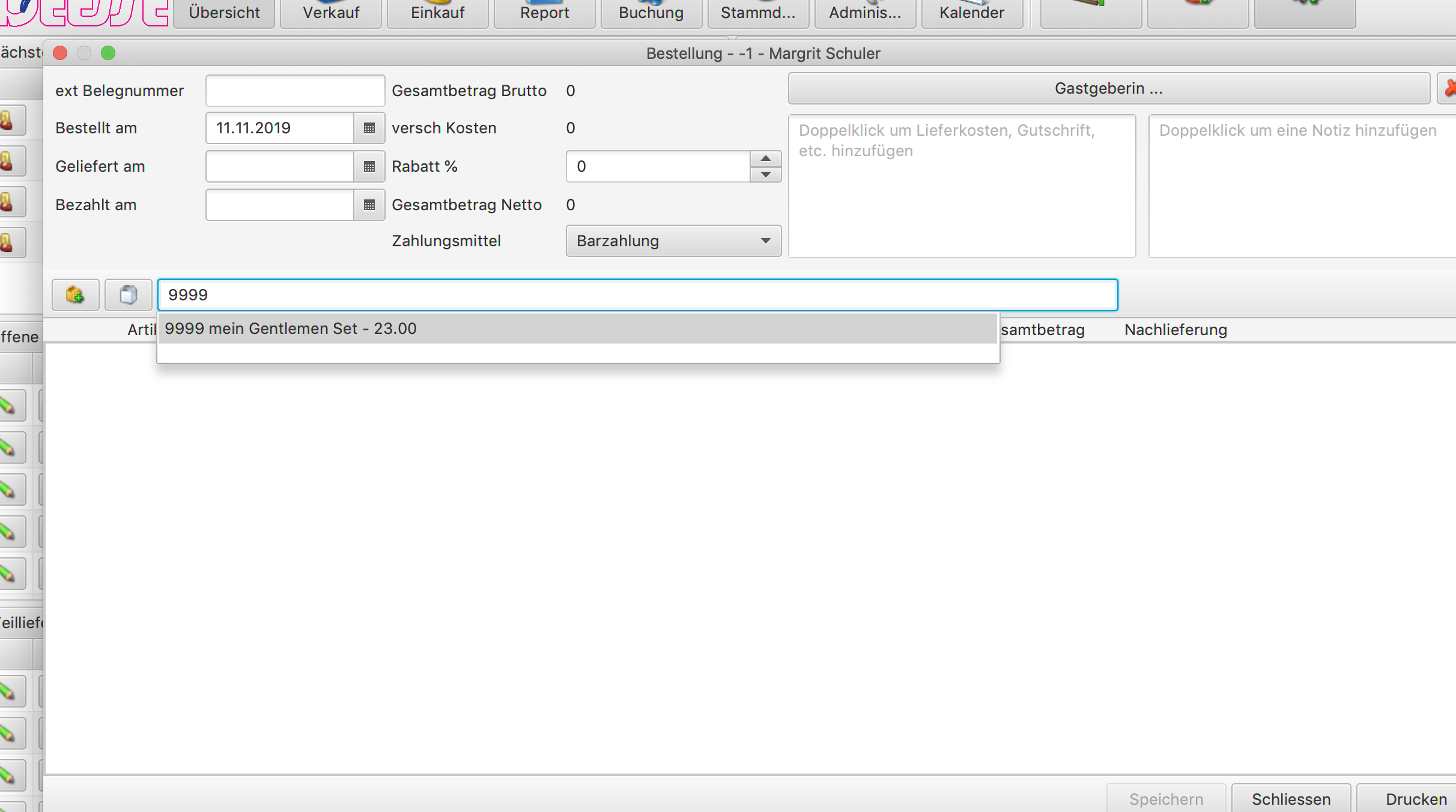
and in the order it is shown together with the set items.
Your own items
In addition to the Déesse items, you can add your own items, which you then insert into a customer order in exactly the same way as a Déesse item.
Recording a new item
You record a new item in the master data under “Own products” 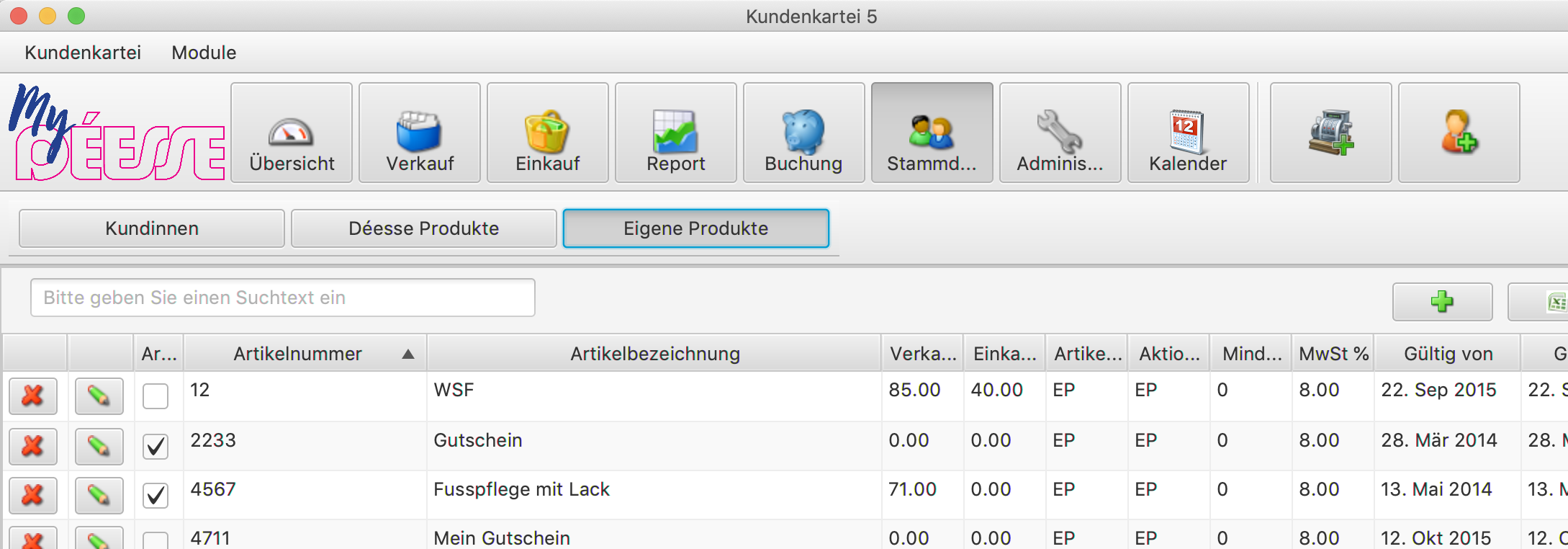
click  so that the entry form opens.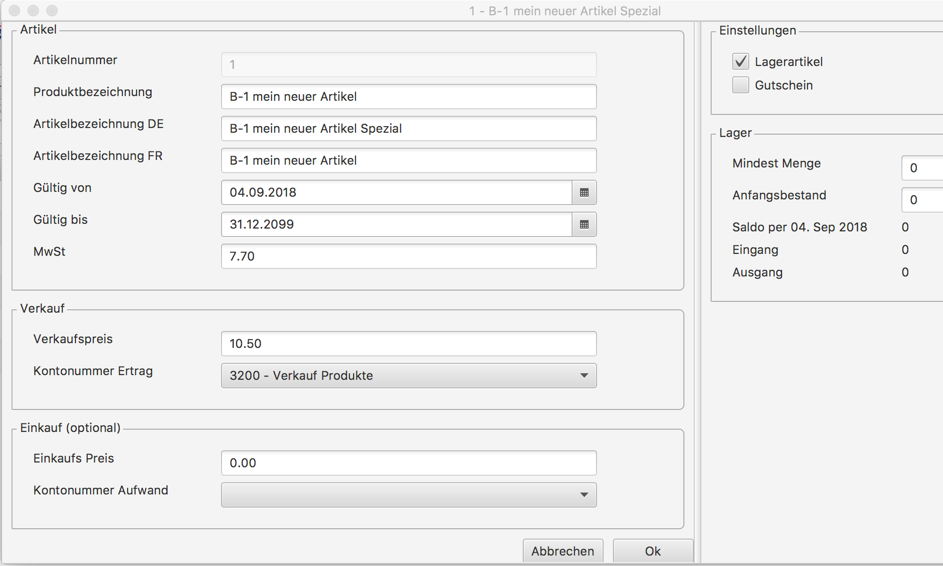
Determine the product designation, the item designation, the selling price and the account number, and save the item by clicking “Ok”. By the way: in the master data you can add further account numbers.
Using the item
You can now select the item in an order in the usual way